

Cybersecurity 🌿 | Security Analyst | God's Masterpiece
Space
Joined July 2022
- Tweets714
- Following543
- Followers139
- Likes6.5K
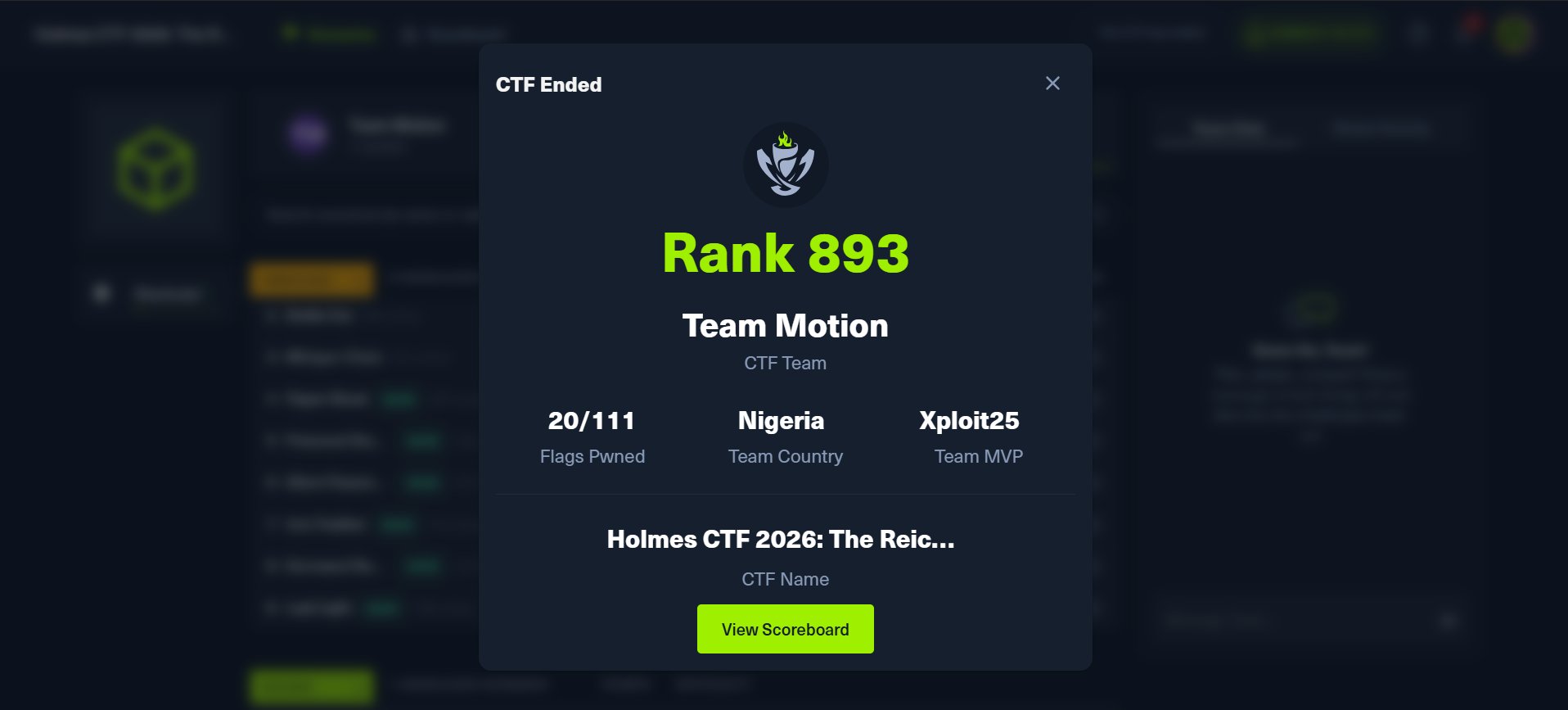
I was able to solve one full box and about half of the second. The excitement after cracking the first box was unreal, mostly because I had just finished setting up my VM and wasn't yet familiar with its full capabilities.
1
3
102


I was able to bypass the AI-agent (Vera) instructions. tryhackme.com/room/hh-thecon… #tryhackme via @tryhackme
#Promptinjection #LLMSecurity

1
1
54


How it ended👇🏾:
@jay_hunts

Day 1/100 #100Daysofcybersecurity
I started with The Windows Command Line. In my learning I was able to cover Command prompt and its command, how to work on files and directories ( create, move copy and the likes), getting help and navigate through system via HTB.
#blueteam

4
49
2,642
Day 100 #100Daysofcybersecurity 🎉
I solved a challenge room, Tempest. It was a full kill-chain analysis on a Windows OS. I used Sysmon View, EvtxECmd, Brim, and PowerShell ISE to aid my analysis.

Day 99 #100Daysofcybersecurity
I worked with siem tool, splunk and elastic elk for log analysis.


Days 93-96 #100Daysofcybersecurity
The last 4 days had been very taxing for me. First, I had to lock in for my last exam that was yesterday, then a robot design project which I had to defend also. I almost crashed out.

Day 91-92 #100DaysOfCybersecurity
For Days 91 & 92, I did Windows Log analysis/Detection. It's not completely new stuff, but I still picked up some fresh knowledge, especially regarding Event codes.


Day 90 #100Daysofcybersecurity
I explored different types of Denial-of-Service attacks, how they work, and the motives behind them, supported by some real-world examples. I practiced identifying DoS and DDoS activity in web server logs by analyzing common indicators.

Day 88-89 #100Daysofcybersecurity
I was busy writing on the last 3 challenges I did, it was meant to be published today but due to some limitations I couldn't till Monday. I also took some rooms on web shell attacks/monitoring. Learnt about diff. webshell attacks their detection


