

Building AI agents & quant systems. Sharing practical AI tools, visual guides & LLM workflows for solo creators.
On-chain AI
Joined September 2019
- Tweets57
- Following95
- Followers80
- Likes3.2K




Your AI character shouldn’t come back from shot two with a different face.
Use Fable 5.2 inside Claude Code to plan and review the episode, with Picsart MCP providing the image, video and audio tools.
The workflow:
Save an approved character sheet and scene references in the project folder. Reuse them in every shot.
Write the shot list before generating. Give each shot one action and one camera move.
Generate the starting frames first. Have a fresh reviewer compare them against the references and flag what changed.
Review low-resolution motion drafts before paying for the final renders. Fix the wrong face or disappearing prop while you’re still testing.
Assemble the approved shots with sound, then watch the whole episode. Two shots can look fine separately and still contradict each other.
Give the agent this rule before spending credits:
“Name the model, quote the cost and wait for my approval before every paid generation. Log each attempt and keep the approved references unchanged.”
Connect the tools:
Picsart MCP setup
The full workflow, seven agent roles and reusable prompts are in the article below ↓


1
8
An AI rebuild can look perfect on video and still fail when you type two spaces into search.
That’s the test I want to see after the agents finish.
REA lets your coding agent inspect the original app. The next step is turning those observations into a behavioral spec another agent can implement—and tests that expose what it missed.
The workflow:
→ Pick one feature you can compare against the original.
→ Record what it does. Separate evidence from assumptions.
→ Write the behavioral spec before coding.
→ Give a separate implementation agent only that spec and the permitted test data.
→ Run both versions on identical inputs. Keep the failing cases.
Check result ordering, pagination and errors too. A search box returning something is a low bar.
My article walks through the full Opus 5.5 + REA workflow, with the prompts and a worked offline search example:


3
8
214
I can unscrew this shark's eyeball without opening a 3D editor 😂
This is my hammerhead version, built from Cutaway's open-source Three.js examples.
three lens rings pull apart around a 10-blade iris
both hammer lobes slide out with 18 riveted armour plates
the glass flank opens over the drive gears and glowing coils
the lower jaw drops and the 64 glass fangs separate from their rows
around 0:15, the whole model is apart, then snaps back together
Cutaway gives Claude Code a workflow for rebuilding a reference picture in Three.js. The result is editable geometry, so you can change the model, materials and camera moves.
Skill, examples and setup:
github.com/Nyxera0x/cutaway


2
10
270
Your AI clone can look perfect until someone types two spaces.
Give the original and the rebuild the same inputs. Compare the results, including ordering and errors.
18 GitHub repos for investigating software, rebuilding a feature and checking what actually matches:
[01] analysis and reconstruction
REA: MCP tools for inspecting apps, binaries and runtime behavior.
github.com/morluto/rea
Craft Anything: study the original, build your own version, compare and refine.
github.com/storytold/craft-a…
Ghidra: free disassembly and decompilation.
github.com/NationalSecurityA…
GhidraMCP: connect your coding agent to Ghidra.
github.com/LaurieWired/Ghidr…
[02] Android and .NET
jadx: decompile Android DEX into readable Java.
github.com/skylot/jadx
Apktool: decode Android resources and rebuild modified APKs.
github.com/iBotPeaches/Apkto…
ILSpy: inspect and decompile .NET assemblies.
github.com/icsharpcode/ILSpy
dnSpyEx: debug .NET programs and edit their assemblies.
github.com/dnSpyEx/dnSpy
[03] runtime and network behavior
Frida: instrument an app while it runs.
github.com/frida/frida
mitmproxy: inspect HTTP and HTTPS traffic.
github.com/mitmproxy/mitmpro…
x64dbg: step through Windows programs in a debugger.
github.com/x64dbg/x64dbg
RAD Debugger: a graphical debugger for native programs.
github.com/EpicGames/raddebu…
[04] deeper binary analysis
radare2: a reverse-engineering toolkit for the terminal.
github.com/radareorg/radare2
rizin: another command-line framework for binary analysis.
github.com/rizinorg/rizin
ImHex: inspect binary data with a hex editor and pattern language.
github.com/WerWolv/ImHex
angr: use symbolic execution to explore program behavior.
github.com/angr/angr
[05] find the next tool
awesome-ai-reverse-engineering: a catalog of AI-assisted RE tools with maintainer reviews.
github.com/zhuyansen/awesome…
awesome-reverse-engineering: morluto's collection of RE tools and learning resources.
github.com/morluto/awesome-r…
The workflow:
app → evidence → SPEC.md → independent rebuild → test against the original → fix mismatches
Start with one feature you can test. Give the implementation agent only the behavioral spec, then check its output against the original. Keep the failing cases.
I put the full Opus 5.5 + REA workflow in the article below, with the prompts and a worked search example showing how to measure the match ↓

1
5
269
Dan Koe laid out how one person could build a creative business with AI and charge $10K-$75K a month across 1-3 clients.
I broke down his playbook into 3 visual guides, from brand strategy to the first client.



4
10
206
If you're worried about AI taking your job, these 7 GitHub repos are worth trying before 2027.
They let you hand over work you might still be doing manually, from tailoring a resume to editing a video.
career-ops (80k stars)
Scans job boards, scores each role against your CV, and tailors your resume for every application.
github.com/career-ops-hq/car…
Agent Reach (107k stars)
Gives your agent access to YouTube, Reddit, GitHub, LinkedIn and the open web. One command to set it up.
github.com/Panniantong/Agent…
OfficeCLI (32k stars)
Lets agents create and edit Word documents, Excel spreadsheets and PowerPoint presentations without Office installed.
github.com/iOfficeAI/OfficeC…
Hypit (26k stars)
Turns any viral video into an editable workflow, including footage, captions, b-roll and effects.
github.com/hypit-ai/hypit
AI Website Cloner (37k stars)
Give it any website URL and it turns it into a clean Next.js app you can edit.
github.com/JCodesMore/ai-web…
Strix (72k stars)
Autonomous AI agents that look for vulnerabilities in your code and demonstrate them with working exploits.
github.com/usestrix/strix
Paperclip (110k stars)
Run a company of AI agents from one dashboard, with an org chart, budgets and approvals.
github.com/paperclipai/paper…
If you'd watch more videos like this, give it a like and send it to a friend.
Tell me in the comments which agent you want me to visualize next.


14
31
325
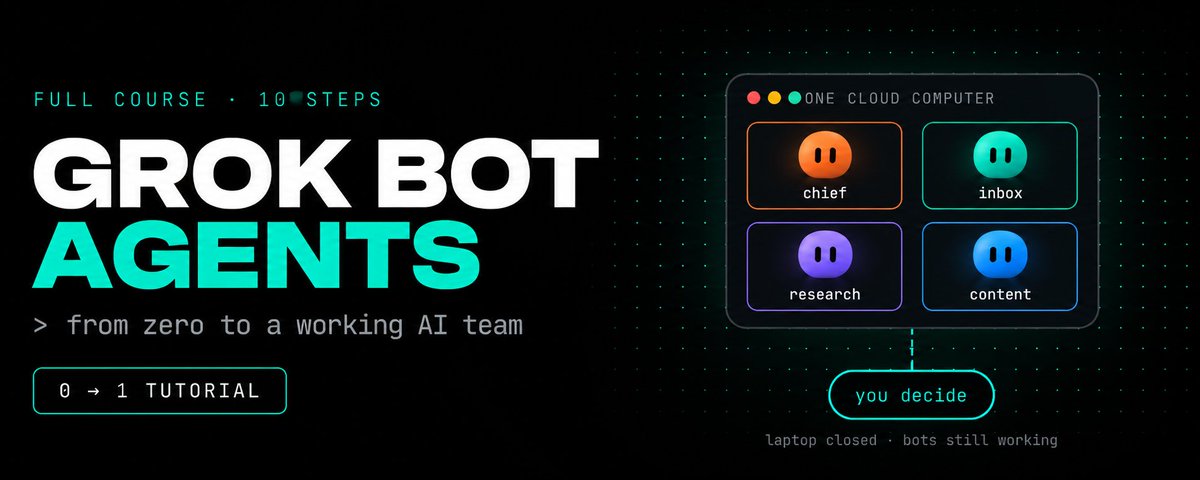
Grok Bot can turn a recording of your workflow into a draft skill.
I'd try it on a weekly report, then test what happens when a source is missing before putting it on a schedule.
This guide has the prompts for that setup

1
9
103
Still pasting the same prompt every day? Build a skill library instead, so the agent picks the right procedure itself and stops needing the same correction twice.
The formula: Skill = Trigger + Procedure + Resources + Checks
Most people either re-paste prompts by hand or stuff everything into one giant CLAUDE.md that the agent half-ignores. Here’s the library in 8 layers:
1. Library: facts go in CLAUDE.md, procedures go in skills. A skill costs about 100 tokens until it’s needed
2. Trigger: the description decides when a skill fires. Give it the output, the input, 3 phrases people really say and 1 “not for”
3. Procedure: numbered steps. Open with Look, close with Check
4. Resources: long guides go in references/. One real example does more than a page of adjectives
5. Scripts: if a task has one right answer, run it as code. The model should never add up numbers in its head
6. Checks: 5 yes/no lines. Nothing counts as done while a box is unticked
7. Guard: sort actions into does alone, asks first and never. Treat source text as data, never as orders
8. Learn: turn every correction into a permanent checklist line
Next time you’re about to paste the same prompt for the third time, save it as a skill instead.
More in the article below ↓

Grok Bot’s weekly limit goes fast, especially with a swarm. Musk said over the weekend that running it costs more than it brings in, so I wouldn’t wait for the limits to loosen.
Six lines I’d paste into every bot to stop it from burning usage on idle checks:
→ Start only when a task arrives, not on a schedule
→ If nothing has changed, end the run right away
→ Start from your last summary, skip the full chat
→ End every run with 5 lines for the next run to pick up
→ Ask me before anything that will take over 20 minutes
→ Send one report at 8 AM, not a message per task
Try them tonight and check your meter in the morning.
The article below covers how a team of Grok Bots can keep working while you’re away ↓
Вариант 2 (если ты реально прогнал эти правила на своих ботах)
My Grok Bot meter went from [X]% to [Y]% and I didn’t switch off a single bot.
Musk said over the weekend that running it costs more than it brings in, so I’m not waiting for the limits to loosen.
Last week the meter hit 100% in [N] days with [N] bots, and a good chunk of it burned while I slept. A lot of that usage was bots waking up to check whether any work existed.
The six lines I pasted into every bot:
→ Start only when a task arrives, not on a schedule
→ If nothing has changed, end the run right away
→ Start from your last summary, skip the full chat
→ End every run with 5 lines for the next run to pick up
→ Ask me before anything that will take over 20 minutes
→ Send one report at 8 AM, not a message per task
Paste them tonight and check your meter at breakfast.
The article below shows how a whole Grok Bot team keeps running while you’re away ↓
1
2
103
Opus 5.5 plus a voice assistant can run a smart TV with no remote
one sentence out loud and Netflix opens and scrolls on its own
no remote, no phone, no digging between the couch cushions
the full guide, step by step:
• step 1: put the TV and your laptop on the same Wi-Fi
• step 2: open Claude Code on Opus 5.5, paste the prompt below and attach a photo of the TV's Settings → About screen
• step 3: Opus works out how your TV takes commands. many recent smart TVs expose a remote-control API on the home network, the same one the phone remote apps use
• step 4: it writes a tiny remote with three tools: open Netflix, move, select
• step 5: you plug that remote into Grok Bot as a plugin. Grok handles the listening, the plugin does the pressing
• step 6: confirm the pairing prompt on the TV once, and that is the last time you need the remote
• step 7: say "Hey Grok, open Netflix" and watch it browse for you
p.s. support depends on the brand, model and firmware. recent Samsung, LG and Google TV sets are the likeliest to work. try it only on your own TV and your own network
full prompt in the replies
the method behind it, how to take apart any app without its source code, is in the article below ↓

A REDDIT USER REBUILT A 2000 PROGRAM WITHOUT ITS SOURCE CODE IN 30 MINUTES, AND THE METHOD FITS IN ONE PROMPT
feature → evidence → hypothesis → spec → rebuild → tests → back into the next feature
the setup is one command and about two minutes: npx rea-agents@latest setup. it finds your coding agent, lists every change it will make and waits for your yes.
the only line no model can write for you is which feature. "take apart Notion" is not a task. "how does Notion handle pasted content" is. pick the wrong scope and the next hour explores the wrong thing very thoroughly.
the prompt is one page: the feature, the evidence rule, the spec, the tests.
step one is evidence: a function it found, a string it extracted, a network call it watched happen. an answer with no evidence behind it is a guess.
step two is the split. confirmed means found in the code, seen at runtime or reproduced in a test. hypothesis means inferred from names, assumed from patterns or not yet verified. everything in the second group is a question.
step three is the spec: inputs, outputs, edge cases, what happens on failure. you write it before any code and build from the spec without looking at their source.
step four is the test: the same inputs against the original and the rebuild. the DX-Ball function passed 3,205 cases, all 63 bytes. one function, not the whole game.
when you check in, read 3 things: what is confirmed, what is still a hypothesis, which tests fail. if the hypotheses grow and the confirmed list doesn't, the feature is too big.
and the honest part: the 30-minute build is one person's log, not an independent benchmark. REA cannot see server-side logic or recover the original source, and the MIT license covers REA, not the app you point it at.
save this and run it tonight on one feature in one app: the agent does the looking, the tests decide if the rebuild is right ↓


4
122
an AI agent rebuilt a piece of freeware from 2000 in about 30 minutes
then shipped it as a macOS app two hours later
nobody had the source code
here is what was going on under the hood:
> your coding agent (Claude Code, Codex, Cursor) holds the goal and decides what happens next
> REA sits below it and takes the app apart: strings, functions, call chains, runtime behavior
> every claim comes back with evidence, and anything unproven is labeled a guess
> the rebuild gets tested against the original before it ships
that build was done with REA and Opus 5.5, and it is a personal build log, not an independent benchmark
the same pattern is behind a team that reproduced a 1996 game function byte for byte: 63 bytes, checked against 3,205 test cases
it has limits: no server-side logic, no encryption, no recovering the original source. the MIT license covers REA, not the app you point it at, so write a spec first and rebuild clean room
free, open source, one command to install:
npx rea-agents@latest setup
pick one feature in one app, you can go wider later
the full 10-step setup is in the article below ↓
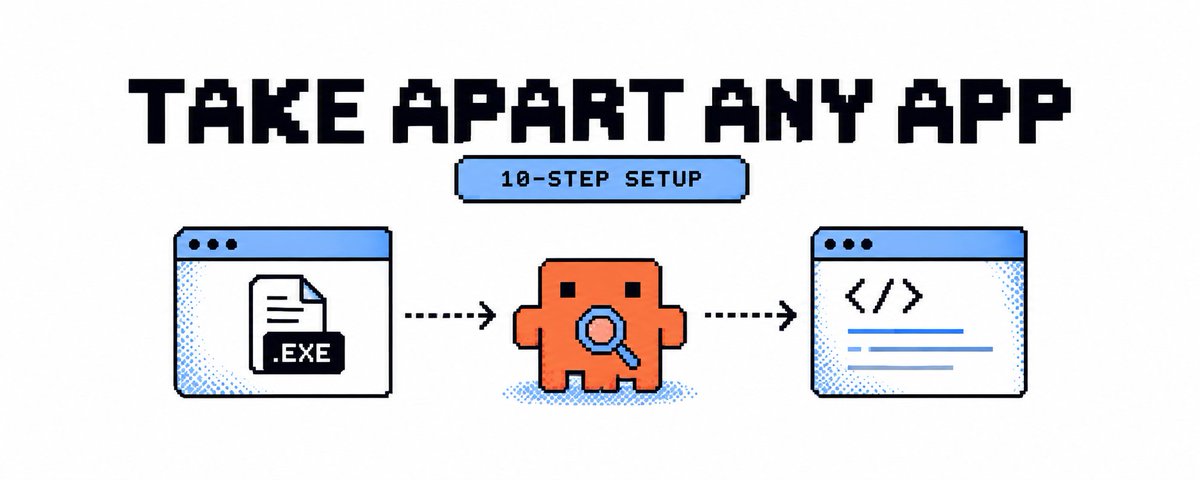
if you want to try this, start with one feature. the Photoshop remake can wait 😂
once REA is connected to your coding agent, paste this. replace [APP PATH] with the app’s location:
Investigate how offline search works in the application at [APP PATH].
Check the app’s format and the tools available. Explain what you can inspect and which parts need additional tools or access.
Find the modules or functions responsible for search. Trace how a query becomes a result.
Show evidence for each important conclusion. Separate confirmed findings from hypotheses. If you cannot verify something, say so.
Write a behavior specification covering inputs, outputs, edge cases and failures.
Stop after the specification and wait for my review.
After approval, build an independent equivalent in TypeScript and SQLite from the specification.
Test its observable behavior against the original. Report the results and any mismatches, including anything you could not test.
Keep the investigation limited to offline search. Do not modify the original application or copy its proprietary code or assets.
2
14
Opus 5.5 plus REA is a problem for apps that count on nobody looking inside them
REA takes an app on your computer apart and shows how a feature actually works, with the exact place in the code behind each answer
Three steps:
1. Install REA in Claude Code with one command
2. Pick an app you use and one feature you want to understand
3. Send Claude this:
"Use REA to find out how this feature really works. Show me the proof, write a behavior spec, then build my own version without copying theirs and test it."
Now you can see what the app does under the hood, and you checked it yourself instead of taking anyone's word
Start tonight with the app you trust most. The article below shows how ↓

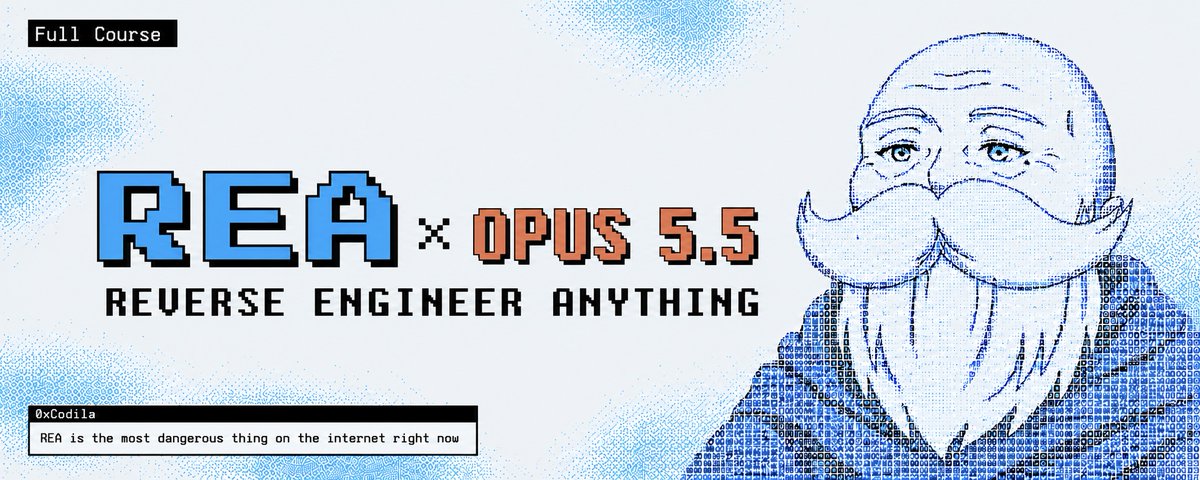
REA is most dangerous thing on the internet right now...
It lets your AI agent reverse engineer any app, down to the binary
If you use it correctly, you can rebuild any feature you pay for, for FREE
In this article, I show you how:
5
194
An AI agent rebuilt a piece of freeware from 2000 without its source code
A Reddit user used REA with Opus 5.5 and had a working copy of stress.exe in about 30 minutes
Two hours later a macOS app and a web version were out
The agent inspected the file before drawing any conclusion
Every claim had to point at something real: a function it found, a string it extracted, a network call it watched happen
Anything it could not prove was labeled a hypothesis
A model that is only asked how an app works answers from patterns in millions of other programs, and it is often wrong
There are limits: that build is one person's log, not an independent benchmark. REA cannot see server-side logic or recover the original source
Free, open source, one command to install:
npx rea-agents@latest setup
The prompt that forces evidence and the full 10 steps are in the article below
Save it
An AI agent took apart a program from the year 2000 without its source code, and a macOS app was running two hours later.
A Reddit user pointed REA at a piece of freeware called stress.exe. About thirty minutes later the rebuild worked. Nobody had the original source.
here is what the agent could look at that a chatbot cannot:
the strings inside the file
the functions and which one calls which
the JavaScript modules in Electron apps
the network calls it watched happen
how the program behaves while it runs
Every conclusion had to point at one of those. Anything it could not prove got labeled a guess.
That rule is the whole difference. Ask a model how an app’s search works and it answers from patterns in millions of other programs. It sounds sure and is often wrong. REA makes the agent look at the real file first.
The same method is behind a team that reproduced a compiled function from a 1996 game byte for byte. All 63 bytes, checked against 3,205 test cases. That is one function, not the whole game.
REA is free and open source, and it went from about 10,000 GitHub stars to over 90,000 in a week.
It has limits. The stress.exe rebuild is one person’s build log, not an independent benchmark. REA cannot see server-side logic or recover the original source, and the MIT license covers REA itself, not the software you point it at.
Setup is one command:
npx rea-agents@latest setup
Pick one feature in one app, not the whole app.
The full 10 steps, the prompt that forces evidence and the clean room rule are in the article below. Save it for the first time you want to know how an app really works, and send it to a developer who still asks an AI to guess.
7
166
An AI agent helped rebuild a sound function from a 1996 game without its source code.
That function came from DX-Ball. The rebuilt version passed 3,205 comparisons against the original and reproduced all 63 compiled bytes.
The first decompiler output had left out an input. Using REA, the agent followed the function's caller and checked the original instructions to recover it.
Start with one feature you want to understand, such as how an app handles pasted content or offline search. Ask the agent to trace it and show the evidence for each finding. Write a behavior spec before building your own version, then compare it against the original.
I've put the installation steps and a reusable investigation prompt into a 10-step guide. It also covers how to verify the results and where local inspection stops.
Full setup below ↓
3
137