






softlydecor retweeted

🎨: iphone original camera editing
Exposure: +12
Vibrance: +35 (makes it look more appetizing)
Highlights: -36
Shadows: +30 (to brighten up the darker areas)
Contrast: -30
Brightness: +21
Black Point: +7
Saturation: +29
Temperature: +24
Tint: +15
Sharpness: +20


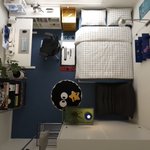
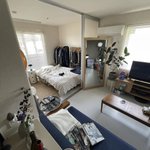
Finally figured out how to get this filter look!!!
📷iPhone Editing Settings:
Exposure: +4
Brilliance: +10
Highlights: +1
Shadows: +17
Contrast: +4
Brightness: -6
Vibrance: +6
Warmth: +13
Sharpness: +34
Definition: +12
◾Tweak the numbers a bit depending on your actual pic
◾️Don't forget to turn on the grid in settings for better angles


softlydecor retweeted
🎨Check this out‼️ My tutorial for editing "business" photos is finally here‼️
✔️Editing with the original camera
Exposure: +10
Brilliance: +15
Highlights: +15
Shadows: +10
Contrast: +5
Brightness: +10
Black Point: +3
Saturation: −5
Vibrance: −10
Warmth: −20
Tint: +5
Sharpness: +15
Definition: +10


